Open your static site
Select the output of your site's build. Site Studio imports it into a private working copy and starts a local dashboard and preview.

ToolsEnabled Site Studio
Edit a static website through your MCP host in a private working copy. Watch the browser preview update, then confirm the export yourself.
Site Studio 0.1.10 prerelease · Linux only
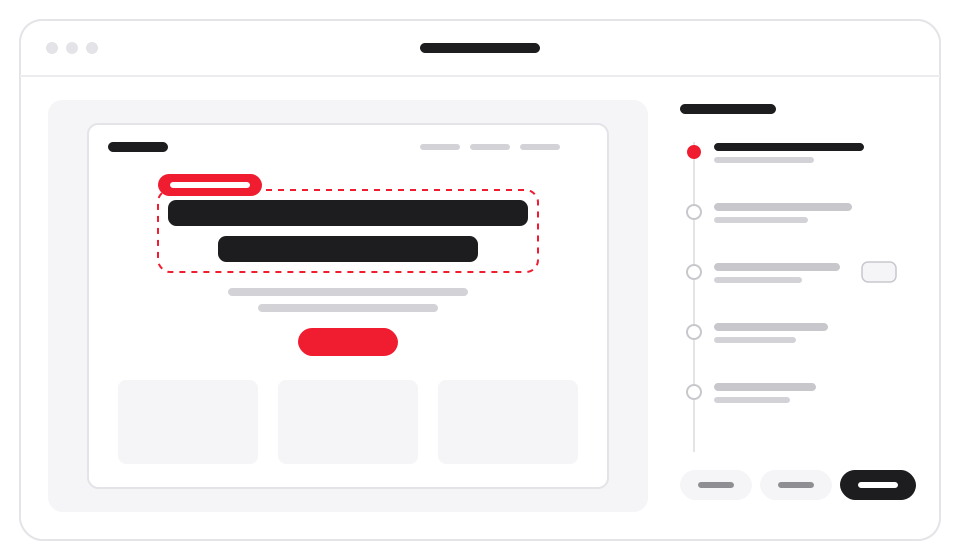
How it works
The agent edits the working copy. You control what leaves it.
Select the output of your site's build. Site Studio imports it into a private working copy and starts a local dashboard and preview.
Ask your MCP host to edit the site. Review the preview, pause mutations, and use undo or a named checkpoint to restore an earlier revision.
Choose Export working copy, review its destination and revision, then Confirm export. A new destination leaves the original intact.
Features
Work on the files you selected, with local history and controls beside the preview.

Recursive static folders, nested pages and root-relative URLs are supported. Binary assets are preserved for export.

Revision history and named checkpoints stay with the working copy across restarts. Undo and restore create a new revision.

Pause, resume, undo, redo, checkpoint restore and export require your dashboard session. They are not MCP tools.

Local views show pages, search results, changed files, history and missing local links. Export checks report problems for you to read; they never export anything.

Exporting to the original retains its previous folder as a backup. If the folder changed outside Site Studio, export stops rather than overwrite those changes.

Site Studio has no hosted service or telemetry. Your MCP client and its model provider may process site content returned by its tools.
The fine print, plainly
Setting an export destination does not let the agent export. You confirm each export yourself, in the dashboard.
Build your site first. Preview disables scripts and blocks external images, fonts and stylesheets by default. Export preserves the original behavior; review it before serving elsewhere.
Native Windows is not supported. macOS and desktop-app installs have not been tested. Session controls do not isolate other processes running as your OS user.
A destination must be configured before export is available. Site Studio never publishes remotely. Keep independent backups: a crash while the new folder replaces the old one can need manual recovery.
Install
Version 0.1.10 is a published prerelease. These Linux instructions use its verified GitHub release.
1Verify and extract the ZIP
Download toolsenabled-site-studio-0.1.10.zip and its .zip.sha256 file from the 0.1.10 release. Run in the download folder; continue only when the checksum reports OK.
sha256sum -c toolsenabled-site-studio-0.1.10.zip.sha256
unzip toolsenabled-site-studio-0.1.10.zip
cd site-studio
Expected ZIP SHA-256: 3ae5612cea200c65cf5702287a4dc3000e294b6ef5a631a06fde60b07eef5b65
2Prepare your host configuration
Replace the three example paths with your own absolute paths. Use a new or empty private state directory outside both site folders; the export parent must exist.
node tools/mcp-config.mjs --client HOST \
  --site /absolute/path/to/static-site \
  --data-dir /absolute/path/to/private-state \
  --export-dir /absolute/path/to/finished-site
The helper prints configuration; it does not change settings. Apply its output in your host. The printed configuration starts the Node.js that ran the helper, named by its absolute path; after you upgrade or switch Node.js, run the helper again and replace the registration. Set HOST to claude (Claude Code), claude-desktop (Claude Desktop), codex (Codex), cursor (Cursor) or deepseek (DeepSeek Harness). Desktop-app installs have not been tested.
Plugin route. The repository is its own plugin marketplace. In Claude Code:
claude plugin marketplace add ToolsEnabled/toolsenabled-site-studio
claude plugin install toolsenabled-site-studio@toolsenabled-site-studio --config site_directory=/absolute/site --config data_directory=/absolute/private-state --config export_directory=/absolute/new-export
The plugin route installs the repository's main branch, which each release moves to its release commit; claude plugin list shows the version you installed. The ZIP in step 1 is the checksum-verified route.
After an install without those three options, claude mcp list reports that no MCP servers are configured and suggests claude mcp add. Set the folders with /plugin configure inside Claude Code, or pipe them as JSON to claude plugin configure with --values-stdin; without it, that command only lists the options:
printf '%s' '{"site_directory":"/absolute/site","data_directory":"/absolute/private-state","export_directory":"/absolute/new-export"}' | claude plugin configure toolsenabled-site-studio@toolsenabled-site-studio --values-stdinIn Codex, add the marketplace with this command, then install ToolsEnabled Site Studio from the /plugins directory:
codex plugin marketplace add ToolsEnabled/toolsenabled-site-studio3Start the server and open your dashboard
Your configured host starts the server. For a direct stdio launch from the extracted folder, use the same paths:
node mcp-web.js \
  --site /absolute/path/to/static-site \
  --data-dir /absolute/path/to/private-state \
  --export-dir /absolute/path/to/finished-site
Open the one-time dashboard link from local startup diagnostics yourself before assigning work. Keep that link private. Use one process per state directory, then review and confirm export in the dashboard.
Read the source, inspect the export policy, and report issues on GitHub.
Current release: Site Studio 0.1.10 prerelease · Release notes · Security policy · Privacy